HWID Spoofer
Rotates disk serials, MAC addresses, and GPU IDs after BattlEye flags your machine. Portal setup is included before you relaunch Tarkov.
At a glance
Buy Tarkov HWID Spoofer: Reset After Game Ban Tarkov cheat capabilities
What Buy Tarkov HWID Spoofer: Reset After Game Ban focuses on for Tarkov before you open the full module list.
Plus 9 additional modules in the operator portal, see the full list below.
Overview
Built around a clear hardware recovery workflow
How this Tarkov build fits Raids, PMC, and Raids matches after major patches.
This Tarkov HWID spoofer helps players recover when BattlEye flags PC hardware but the Steam account is still clean. Disk and MAC profile tools ship with a restore-point checklist, compatibility scan, and post-spoof verification steps.
Use this path when fresh accounts fail instantly on one machine but work elsewhere, not for account-only bans. After spoofing, load a conservative cheat profile from tarkovcheat.org before joining a match.
When you need it
Use when fresh Steam accounts fail instantly on one PC but work elsewhere, classic hardware ban enforcement after an game ban action. Do not use for account-only bans; see [UGC](/products/tarkov-cheat/ugc/) instead.
Full workflow
Restore point, driver cleanup, spoof application, cold reboot, identifier verification, then conservative cheat profile before joining a match. Full checklist ships in the portal and in our HWID blog guide.
Modules
What's included in Buy Tarkov HWID Spoofer: Reset After Game Ban for Tarkov
Every Tarkov module and overlay shipped with Buy Tarkov HWID Spoofer: Reset After Game Ban, toggle and tune in the operator portal.
- Disk serial profile tools
- MAC address rotation
- Restore point checklist
- Compatibility scan
- Driver conflict detection
- Post-spoof verification
- Identifier diff report
- Cold reboot guide
- Portal step-by-step workflow
- Discord recovery support
Experience
In the client · After you buy
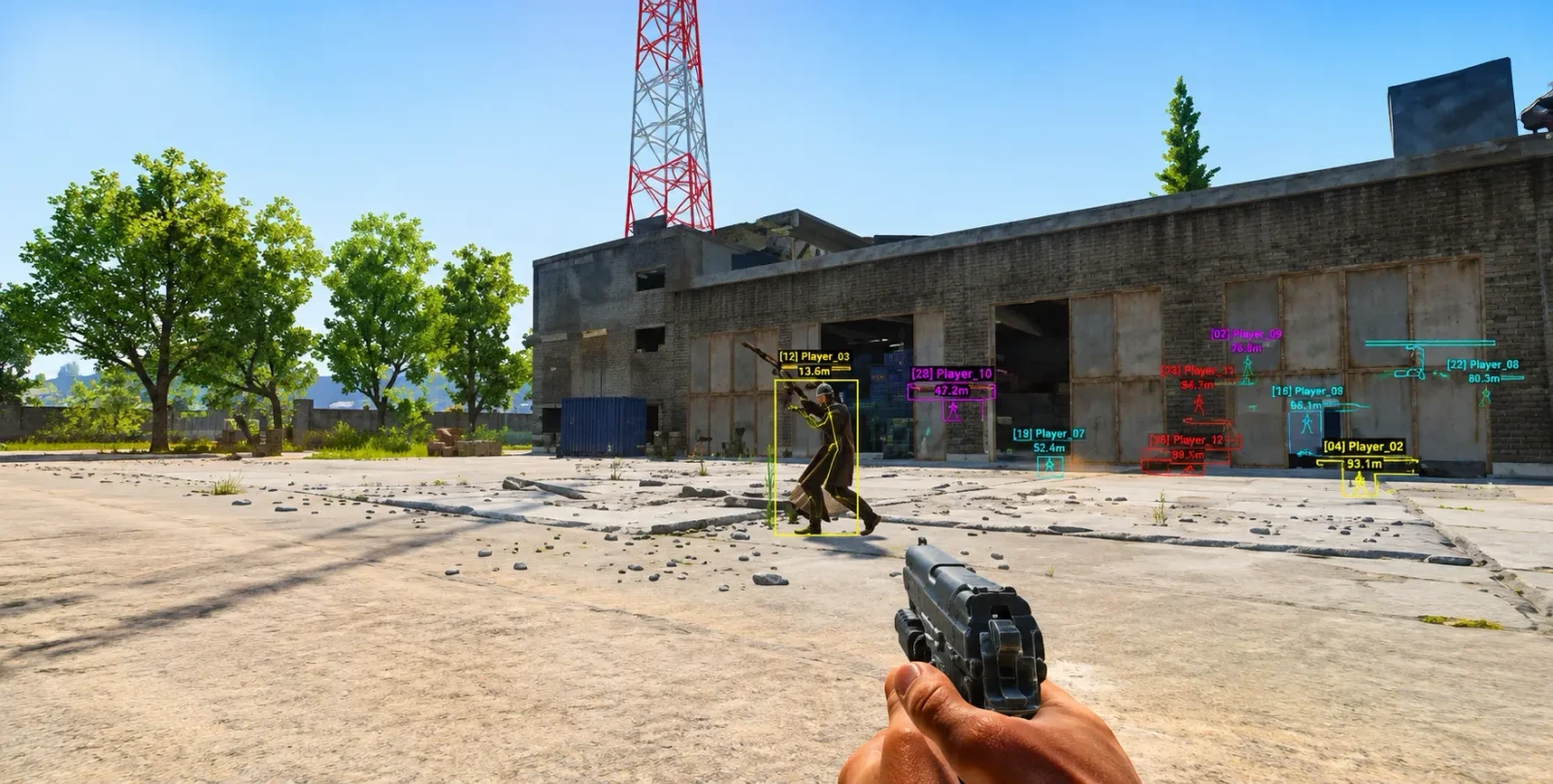
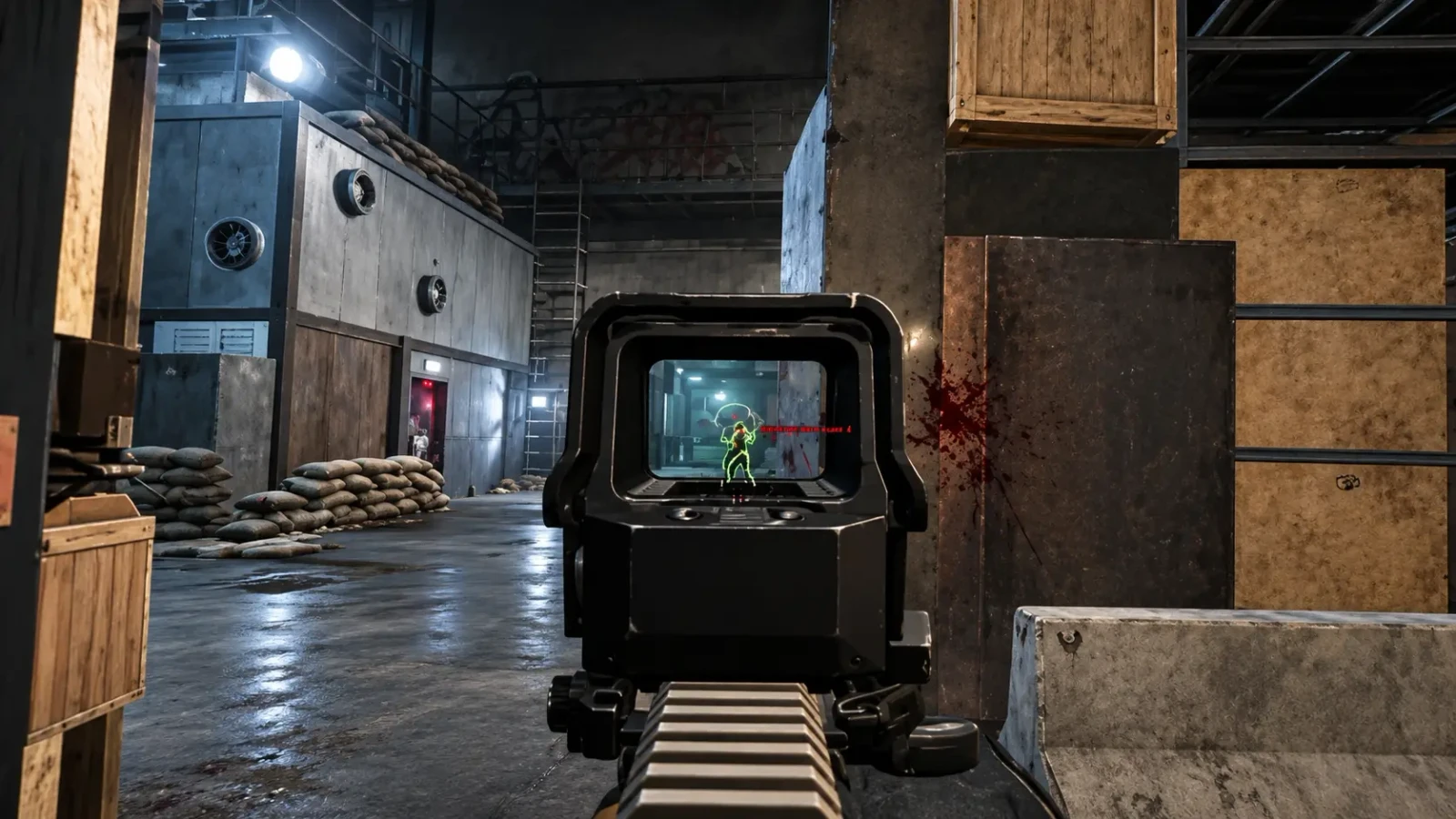
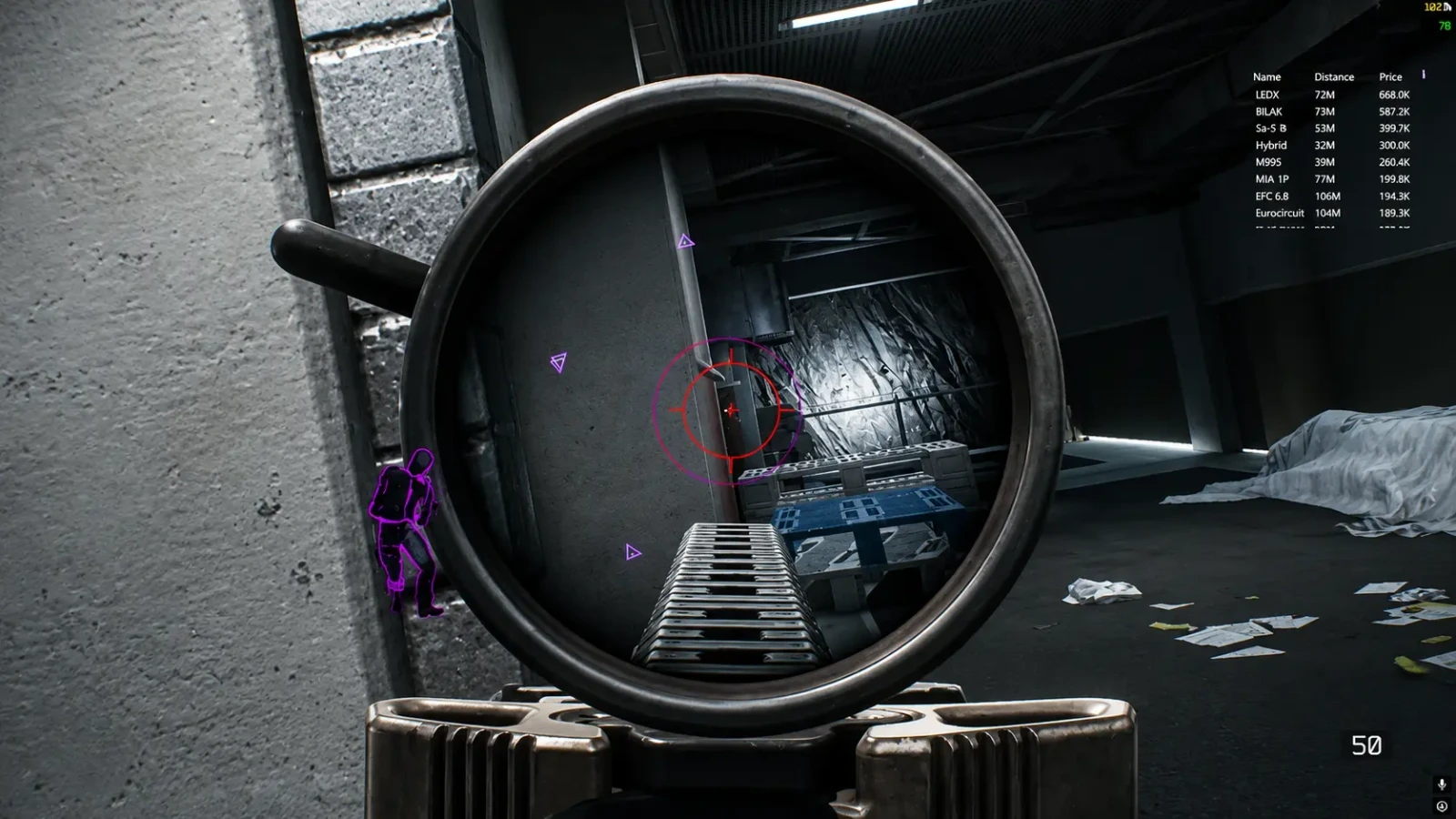
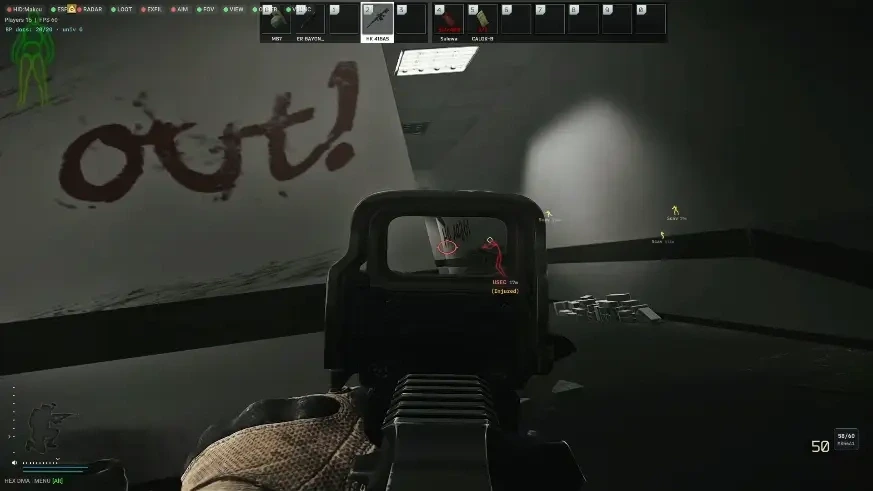
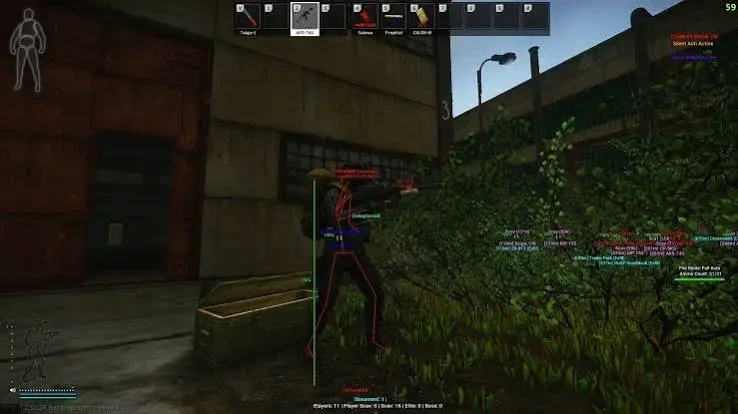
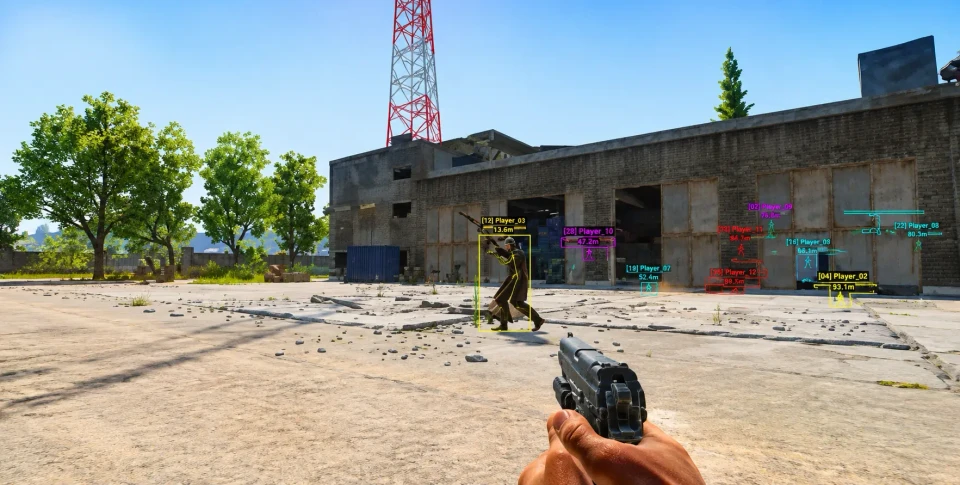
Use the screenshots above for Buy Tarkov HWID Spoofer: Reset After Game Ban, below is what each layer means and how access works after checkout.
In-game layers
- Layer A
Warehouse ESP
Multi-target player boxes and bone overlays outdoors.
- Layer B
Holo aim
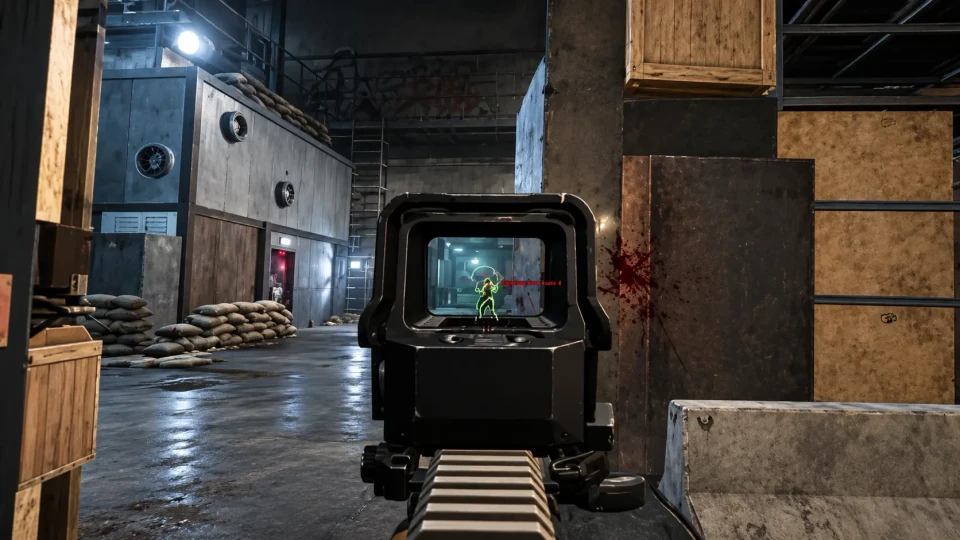
Close-range aim assist with green enemy highlight.
- Layer C
Scoped ESP
Wallhack silhouette and high-value loot ESP through a scope.
Guides
Tarkov buy guides for Buy Tarkov HWID Spoofer: Reset After Game Ban
Curated Tarkov articles for setup, tuning, and patch-day checks that match this product.
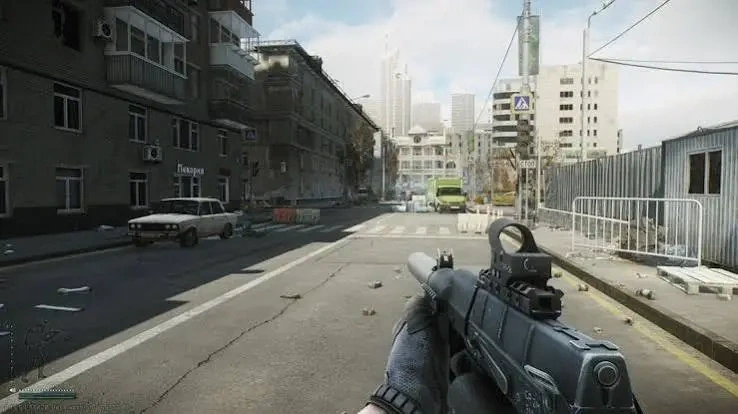
Hardware flagged after an game ban? Buy Tarkov HWID Spoofer, compare it to a new account, and see when UGC appeal help fits.
Errors: Steam client failed to initialize is usually not a ban. Quick checks first, then when to buy UGC appeal workflows or HWID Spoofer.
Tarkov or Tarkov patch just dropped? Check live status, pick the right tier and buy safely, patch-day checklist for checkout and first launch.
Battlestate Games’ BattlEye ban flow, player reports after live wipe, and what “undetected” means on tarkovcheat.org, status labels, patch updates and HWID keys.
How Tarkov radar works for Raids and scav runs: zoom, distance rings, FOV cone and entity tracking versus ESP boxes and aimbot.
Tarkov loot ESP shows supported weapons, ammo, armor and equipment through walls, with filters that keep raid HUD readable.
FAQ
Questions about this page
Answers tied to what you are reading, visit the FAQ page for every topic.