Tarkov Radar Hack: Zoom, Distance Rings & FOV Cone
How Tarkov radar works for Raids and scav runs: zoom, distance rings, FOV cone and entity tracking versus ESP boxes and aimbot.
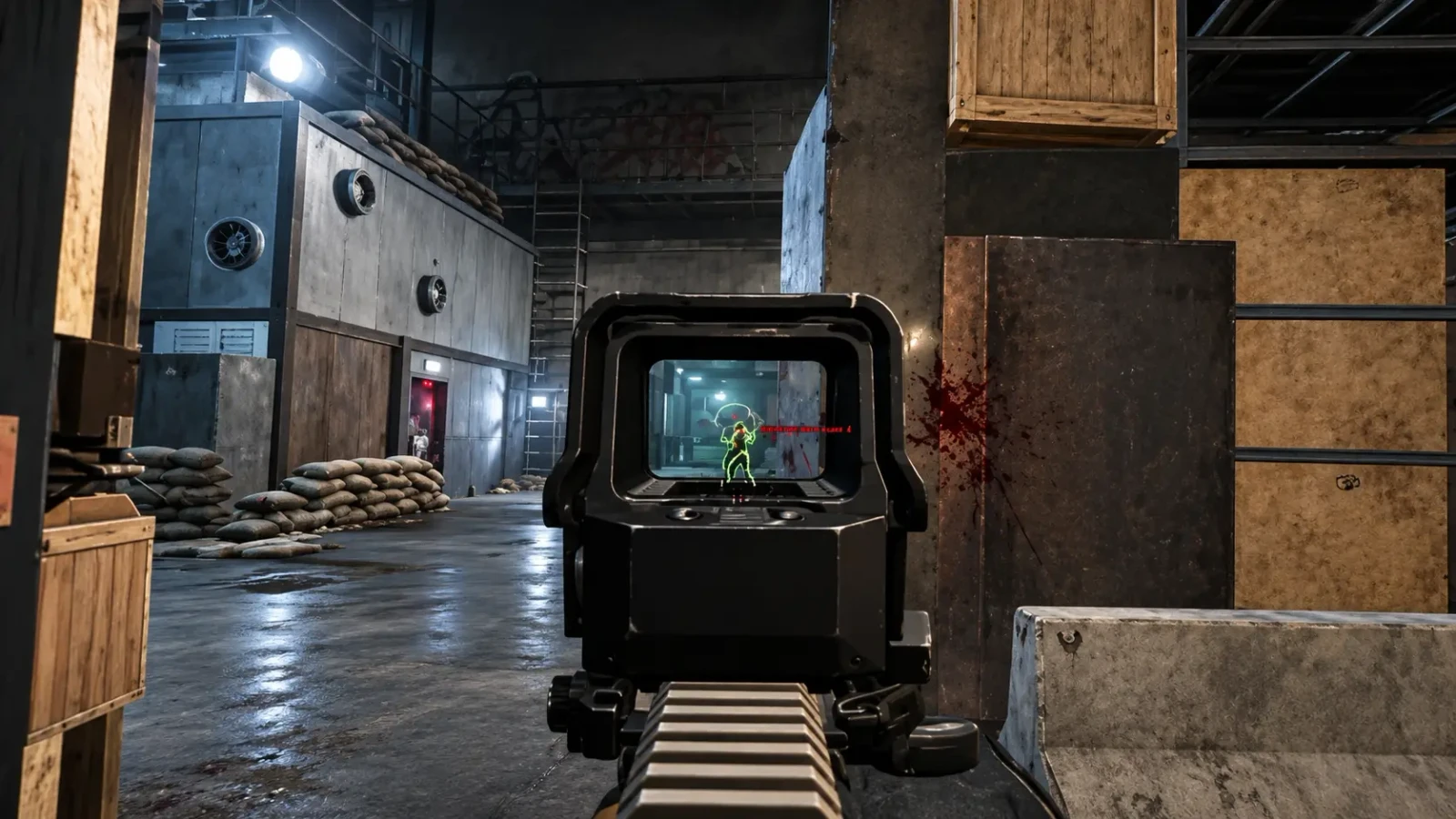
Tarkov radar is a separate view from player ESP and soft aim. It plots supported entities on a compact map with zoom, distance rings, an FOV cone and entity tracking so you see space, not only boxes through walls.
Use radar when you need rotate timing: who is flanking the extract, which scav wave closed the lane, which boss is still up. Pair it with ESP for close reads and aimbot only when a fight is already committed.
What the radar menu usually includes
- Zoom, tighten for alley fights or pull out for open-world travel
- Distance rings, quick range bands without counting meters
- FOV cone, show what your camera can currently cover
- Entity tracking, players, scavs, bosses or loot classes you enable
Radar vs ESP vs off-screen arrows
ESP draws boxes, skeletons and tags in the 3D view. Off-screen arrows point at supported entities outside your frame. Radar answers “where on the map?” without stacking every label on your screen. Do not assume every tracked object appears in all three systems, enable what you need per Offline session.
Related: player ESP · loot ESP · features map. Check the status banner after every Tarkov patch.
Calibrating distance rings for Tarkov scale
Tarkov distances lie to intuition: factory lanes feel short until someone beams you from a rafter you ignored. Distance rings on radar exist so you stop guessing meters during a heal animation. Start with two rings only—inside thirty-five meters for immediate threat, seventy meters for approach warning—then add a third only after a week of live raids proves you use it.
Wide rings on Woods without zoom discipline paint every player as urgent. Tighten zoom when looting bunkers, widen when crossing fields toward extracts. The FOV cone should mirror your actual ADS habit, not cinematic sprint FOV. Misaligned cones make you trust radar angles that do not match where you can shoot.
Radar-led third-party discipline
Seeing two dots fight is not permission to sprint in. Radar rewards patients third-parties: hold a bush until both teams heal, then punish the winner while they search bodies. Blatant sprint paths get clips sent to Battlestate support regardless of anti-cheat outcomes. Smoothing exists on aim modules too—pair quiet movement with conservative radar use when you stream or duo with randos.
- Mute vehicle entities unless you run Lighthouse car fights
- Separate scav player dots colour from PMC when token filters exist
- Disable loot-class entities on radar; use loot ESP instead
- Snapshot radar layout before duels—post-fight review teaches more than wins
Zoom presets per map type
Indoor maps need high zoom defaults so entity clutter separates by room. Outdoor maps need pull-back zoom plus rings to avoid mistaking a hill camper for a tree stump icon offset. Labs and Factory share indoor logic; Shoreline and Lighthouse share outdoor logic—duplicate presets rather than retuning eight sliders between queues.
When radar replaces wallhack fantasy
Players searching radar hacks often want omniscience. Honest radar is positional truth with limits: refresh rate, entity class filters, and your willingness to look away from crosshair. It stacks with player ESP but does not replace hearing footsteps above you on Reserve stairs. Train yourself to ping mentally: dot moving fast to extract beats dot static near boss.
Post-patch radar verification
Game updates can shift entity update timing. First session after green status: Offline, enable radar only, sprint a known route, compare player bot positions to expectations. If icons drift or vanish, pause live use and report via portal channels—do not download random "fixed radar" DLLs. BattlEye signatures target unsigned injectors more often than colour choices on a legitimate build.
| Mode | Zoom | Ring set |
|---|---|---|
| Factory PvP | High | 25m / 50m |
| Customs loot | Medium | 40m / 80m |
| Shoreline slow | Low | 60m / 120m |
| Raid PvP burst | Medium-high | 35m / 70m |
Radar ships on awareness tiers at tarkovcheat.org. Combine with features map to see which modules your key unlocks. Maintain separate raid and PvP radar JSON exports so patch day restores in one paste, not an hour of slider drift.
Boss route geometry on radar dots
Boss fights smear dots when guards orbit. Treat guard clusters as single hazards until spacing separates. Radar zoom at Lighthouse water treatment differs from indoor Zarya fights—duplicate boss presets instead of one global boss toggle that is always too wide.
Dogtag season confidence
High-contest nights inflate dot density until radar becomes anxiety fuel. Lower your mental raid-length ceiling: accept one deliberate fight per rotation. Fewer random engagements means fewer clips with suspicious pre-aim uploaded by opponents.
Extract camping reads on radar
Dots parked on extract for ninety seconds may be campers, hatchlings, or bait squads feigning extract obsession. Audio before sprint remains mandatory. Radar shows contest density—not whether crossing open beach is wise tonight.
Rail and tunnel depth
Reserve tunnels fold distances. High zoom indoors prevents mistaking parallel tunnel dots for same lane contacts. Pair tunnel presets with ESP skeleton checks at intersections.
Rotation journaling
After each Woods or Shoreline raid, write one sentence about which radar zoom misled you. Patterns appear fast: too tight outdoors, too wide indoors, chasing dots without audio cross-check. Journaling converts radar from novelty to disciplined habit. After ten entries you will know whether rings need shrinkage on your specific monitor size—not whether some forum god settings fit your desk.
Customs shortcut timing
Rail and dumpster shortcuts on Customs compress radar distance perception. Practice zoom toggle muscle memory until muscle faster than conscious thought when audio spikes. Radar literacy on Customs separates dorms third parties from dorms victims repeatedly same wipe.
Night Factory radar sometimes skips scavs you still hear feet for—never silence audio discipline because dots sparse. Complement not replace doctrine repeated until members internalize without accusing product false advertising when they disable ears.
Operational appendix (radar)
Deepen appendix for this slug reinforces Tarkov-specific discipline: check portal status, respect BattlEye pauses, tune presets on Offline, and extract before greed cycles convert information advantage into report bait clips. Tarkov Cheat never claims unbannable outcomes—membership rewards maintained builds and honest play hygiene across wipes when maps, economy, and kernel drivers all move on independent schedules readers must coordinate mentally each week.
Radar versus full ESP on second monitors
Second-screen radar trades immersion for situational calm. Tarkov Cheat radar slices show approximate bearing without skeletons on your primary panel—useful when recording or when GPU headroom is tight. It does not replace sound; it punishes players who never wear headphones.
Calibrate icon scale so dorm contacts do not look like mall contacts. BattlEye still scans the game process feeding radar data. Treat external displays as hygiene tools, not excuses for sprinting open fields on Woods.
Sync radar opacity with your squad comms sheet so callouts reference the same compass edges documented on tarkovcheat.org support pages.
Latency and USB monitor quirks
Cheap HDMI dummy plugs sometimes delay radar by a frame—enough to misread push timing on Factory. Test with a clock overlay in Offline before trusting second-screen icons in live fights. USB powered monitors that sleep mid-raid drop feeds silently.
Place the radar monitor at eye level beside your main panel; neck-tilted glances slow reactions on Interchange escalator drops where contacts appear on both screens within the same second.
Dim secondary monitor brightness to match main gamma so radar icons do not bloom on stream captures.