How to Buy & Activate Tarkov Cheats After Checkout
Bought Tarkov cheats? Portal login, loader download, conservative presets and first-launch checks for Raids, PMC and Scav sessions.
You bought your tier at tarkovcheat.org. Now you want it running. This post is the post-checkout setup path: portal, loader, preset, first test. Admin console commands are not part of it, admin commands do not equal live-match cheats, and our loader is what runs on Raids, PMC fights and scav runs.
Step 1: Confirm your order and log into the portal
Use the email from checkout. Your operator portal unlocks the loader, the setup guide and the config library for your tier. Download only from the portal; never from links in comments or DMs.
Step 2: Check requirements
- Tarkov on Windows via Launcher.
- Windows 10 or 11, 64-bit.
- Overlay and RGB tools closed while you test the first launch.
- The live status banner shows green.
Step 3: Start the loader and load a preset
Follow the portal launch order exactly. Load the conservative preset for your tier before changing anything: small aim FOV, high smoothing, Timed shot helper off, ESP distance capped at about 20 to 35 meters. Save a copy as my_default so you can always return to a known-good setup.
Step 4: Test in Offline
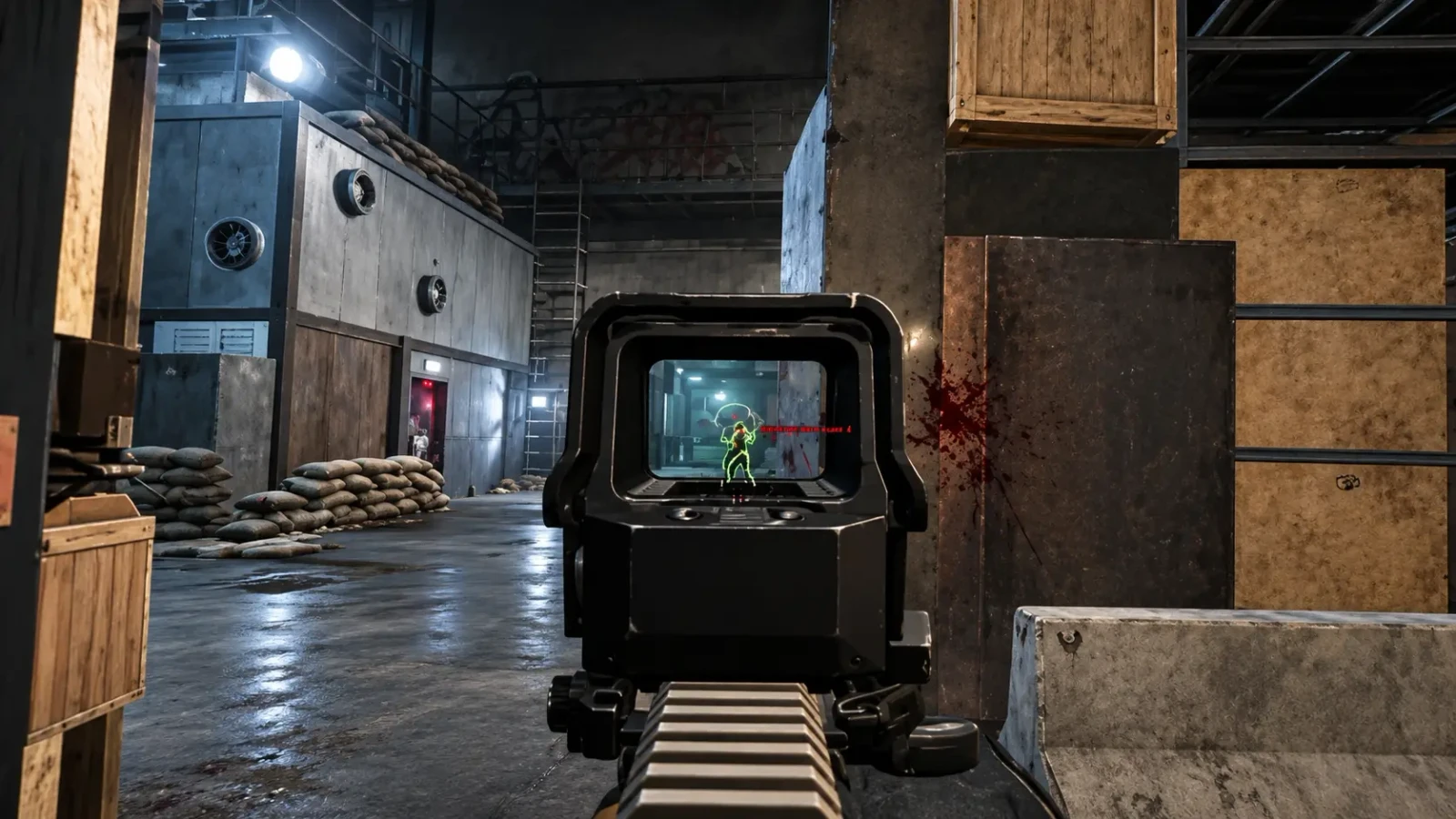
Before you join a busy Raids queue, confirm that ESP lines up with the game view, the radar sits clear of your minimap and aim assist feels natural. See the ESP and radar setup guide for layouts and the aimbot and shot timing guide for Pro tuning.
Wrong tier? Upgrade instead of guessing
| If you want | Tier | Next step |
|---|---|---|
| More awareness | Lite | Tune ESP and radar |
| Aim support and shot timing control | Pro | Save per-playstyle profiles |
| Skins, farm helpers and priority patches | Elite | Read the Elite tier guide |
Compare plans at Tarkov Cheat and upgrade through the portal when ready.
When something goes wrong
Startup error? Read the BattlEye errors guide. Update day? Run the Tarkov patch day checklist. Still stuck? Contact Discord support with your order email, Windows version and Tarkov client build.
No setup is ban-proof. Humanized settings and the status banner are your best protection.
Dashboard key hygiene the moment checkout completes
Activation starts when the license lands in your tarkovcheat.org dashboard—not when a Discord bot whispers a file. Copy the key once into a password manager, never into Steam chat or screenshot folders synced publicly. Keys tied to HWID bind on first successful load; testing on a malware-ridden café PC permanently marries the license to that fingerprint. Treat first launch like signing a mortgage.
If email delivery delays, check spam before opening chargebacks with payment processors. Chargebacks auto-ban reseller keys across the ecosystem and waste support hours. Log in through the official portal bookmark, not ads on YouTube claiming faster delivery.
Paste once, verify hash, then install
- Download loader only from portal after key validates
- Compare file size to announcement post—drift means abort
- Run installer without Tarkov open yet
- Paste key when prompted, screenshot success screen locally only
Failure codes that look like scams but are not
"Key already bound" means HWID mismatch, not fraud. Use HWID reset flow if policy allows, or contact support with purchase receipt. "Key expired" after lapse requires renewal—paused game weeks do not pause calendar expiry unless tier states otherwise. "Invalid key" with typos often comes from copying trailing spaces from mobile mail clients.
Multi-PC households
Family members sharing one Battlestate account but two PCs need separate keys or explicit license terms allowing two seats. Never hot-swap the same key between your gaming laptop and desktop daily unless documentation permits—it triggers binding churn flags support must untangle manually.
Activation to first raid checklist
After activation: vanilla Tarkov to menu, exit, load minimal module set, Offline one raid, live one low-risk scav. Only then enable Pro or Elite stacks from features. Skipping Offline invites live reports before you know which slider controls box thickness.
| Step | Time | Goal |
|---|---|---|
| Dashboard copy | 2 min | Clean key storage |
| Installer | 4 min | Verified build |
| Offline test | 12 min | Preset sanity |
| Live scav | 18 min | Real latency |
Read buy guide before rebuying duplicate tiers. Activation codes are not interchangeable with Offline console strings in cheat codes.
Portal session logout ritual
Always log out of dashboard on shared browsers after copying keys. Family tablets and roommate PCs retain cookies that leak activation screens. Session hygiene is activation security—especially in dorms where phishing stickers mimic portal login art.
Two-factor on portal email
Protect dashboard email with two-factor identical discipline you use on Battlestate account. Stolen mail equals stolen activation and license reset social engineering path. Use codes flow begins before paste—at inbox hygiene. Recovery from compromised email crosses weeks while wipe momentum dies.
Activation walkthrough videos on random YouTube channels sometimes use outdated installer hashes. Follow portal text guide for current build even if video thumbnails look official. tarkovcheat.org domain in address bar is minimum bar—not choreography charisma of edited tutorial.
Receipt email rules
Whitelist portal mail domain in inbox rules before purchase so activation mail never misses spam honeymoon fortnight new address. Activation failures from unread mail cause chargebacks more than fraudulent keys in support statistics industry-wide patterns confirm annually.
Operational appendix (use codes)
Second device activation attempts while phone on cellular and PC on home WAN sometimes trigger binding friction mistaken for scam. Complete activation on intended gaming PC first, document IP change in support ticket if travel requires reset later. Activation depth must include mobility reality—not only pristine desktop never leaves bedroom. Road warriors plan keys like visas.
Receipt vault habit
Store activation receipt PDF and portal entitlement screenshot in encrypted folder quarterly. Rebuild after PC loss without guessing purchase date. Activation disputes resolve in minutes when vault exists and in weeks when buyer relied on memory and angry caps lock forum posts instead.
Activation codes, reseller keys, and renewal traps
Tarkov Cheat distribution codes are single-use entitlements tied to your member account, not Steam gift cards you can trade in Telegram. Paste keys only inside the authenticated tarkovcheat.org dashboard—never into Discord DMs, screenshot contests, or “free extension” bots that harvest clipboard history.
Reseller coupons sometimes stack with seasonal promos; outdated blog posts listing dead codes waste time and train you to spam invalid strings that lock you out after repeated failures. When a code fails, verify you are logged into the same email used at checkout and that BattlEye has not forced a global pause that disables activation endpoints.
Renew before expiry if you raid daily; lapses mid-wipe strand presets on your disk while offsets move forward. Gift codes purchased for friends still bind to their HWID on first launch—gifting is not anonymous lending. Keep invoice PDFs for chargeback disputes, but understand that sharing keys violates terms and burns both parties when reports stack.
Typography tricks that burn buyers
Scammers swap similar characters in fake keys and host clone login pages without HTTPS. Bookmark tarkovcheat.org directly; never trust QR codes in reply chains. Support will never ask for your full code in public chat after redemption—only the last four characters to locate invoices.
| Code type | Redeem where | Common mistake |
|---|---|---|
| Direct portal | Logged-in dashboard | Copying from stream overlays |
| Reseller bundle | Seller-specific URL | Using after posted expiry |
| Comp extension | Support ticket only | Expecting HWID reset included |
Save redemption receipts with UTC timestamps when resellers run flash promotions; mismatched clocks between email and portal cause accidental double-charge disputes that support resolves faster with proof attached.
Never paste codes into browser extensions.